
Remote work has become the new normal, and managing distributed teams effectively is more critical than ever. Without the right project management tools, teams can struggle with communication gaps, missed deadlines, and disorganized workflows. Fortunately, 2026 brings a wealth of software solutions designed to help teams collaborate seamlessly, track progress, and boost productivity. In this article, we’ll explore the top 10 best project management tools for remote teams that you should consider implementing this year.
Why Project Management Tools Matter for Remote Teams
Project management software does more than just organize tasks—it acts as the central hub for communication, scheduling, and accountability. Remote teams, in particular, benefit from tools that:
- Facilitate real-time collaboration
- Track project milestones and deadlines
- Enable transparent communication across time zones
- Provide analytics and reporting for team performance
The right tools ensure everyone stays on the same page and that projects are delivered on time.
Criteria for Choosing the Right Tool
Before we dive into the list, here are some key factors to consider when selecting project management software:
- Ease of Use – A tool should have an intuitive interface to minimize the learning curve.
- Collaboration Features – Look for real-time updates, chat, and comment options.
- Integration Capabilities – Compatibility with other software (Slack, Google Workspace, Zoom) is crucial.
- Customization – Flexible workflows and task structures that fit your team’s unique needs.
- Pricing – Consider cost per user and scalability for growing teams.
Top 10 Best Project Management Tools for Remote Teams in 2026
1. Asana
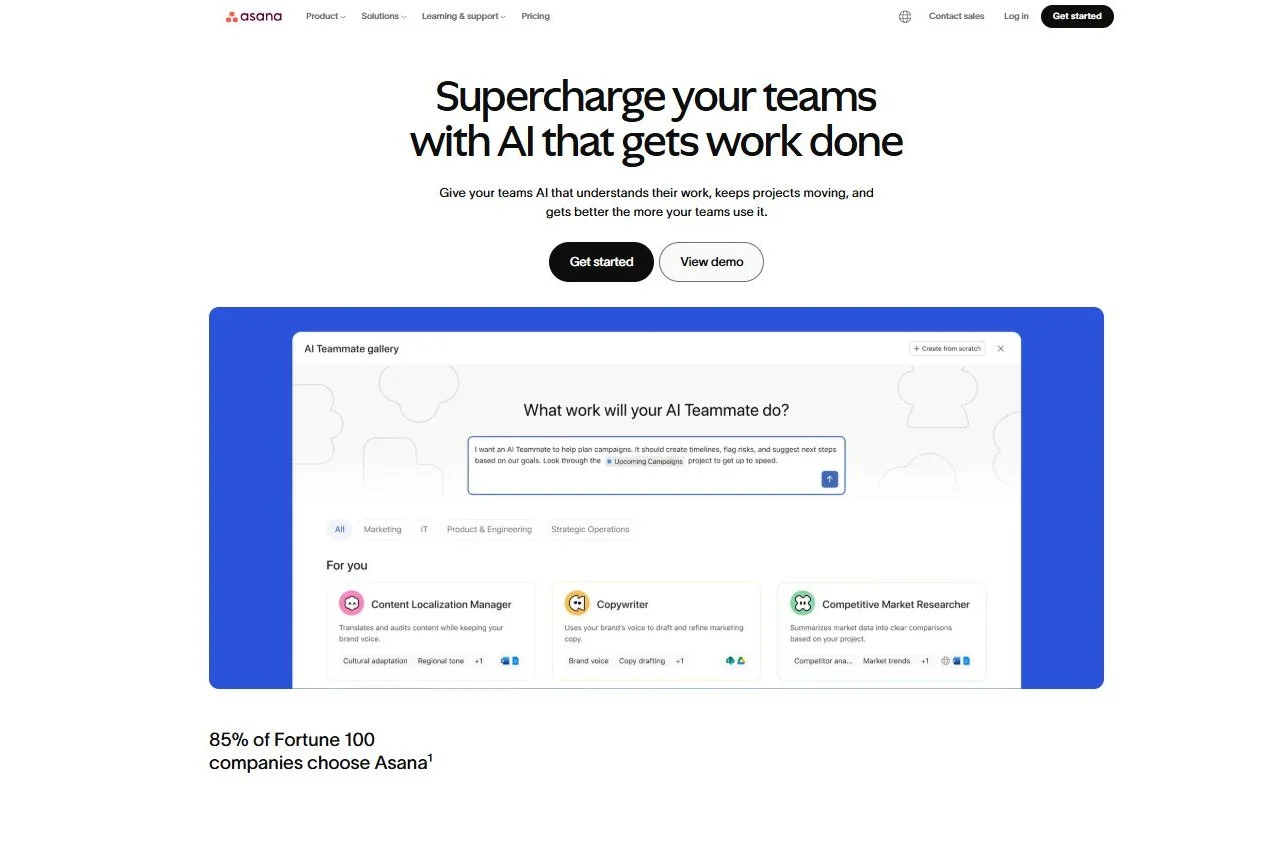
Asana is a popular cloud-based project management platform designed to help teams organize, track, and manage their work. With its user-friendly interface and robust integrations, Asana is ideal for remote teams. It allows users to create tasks, assign them to team members, set deadlines, and track progress through various views such as lists, boards, calendars, and timelines.
Key features include:
- Task Management: Create, assign, and prioritize tasks easily.
- Project Views: Switch between list, board, timeline, and calendar views for different project perspectives.
- Team Collaboration: Comment on tasks, attach files, and integrate with communication tools like Slack and Microsoft Teams.
- Automation: Automate repetitive tasks and reminders.
- Integrations: Works with tools like Google Drive, Dropbox, Zoom, and more.
- Reporting: Generate progress reports to track team performance and deadlines.
Asana is particularly popular among remote teams and organizations that value clarity, transparency, and structured workflow management.
Pros and Cons of Asana
| Pros | Cons |
|---|---|
| Intuitive and user-friendly interface | Free plan has limited features |
| Multiple project views (list, board, timeline, calendar) | Can be overwhelming for very large projects |
| Strong collaboration and communication tools | Some advanced features require premium subscription |
| Robust integrations with other software | Occasional learning curve for complex automation |
| Supports task dependencies and subtasks | Offline functionality is limited |
| Good reporting and tracking features | Notification overload if not managed properly |
2. Trello
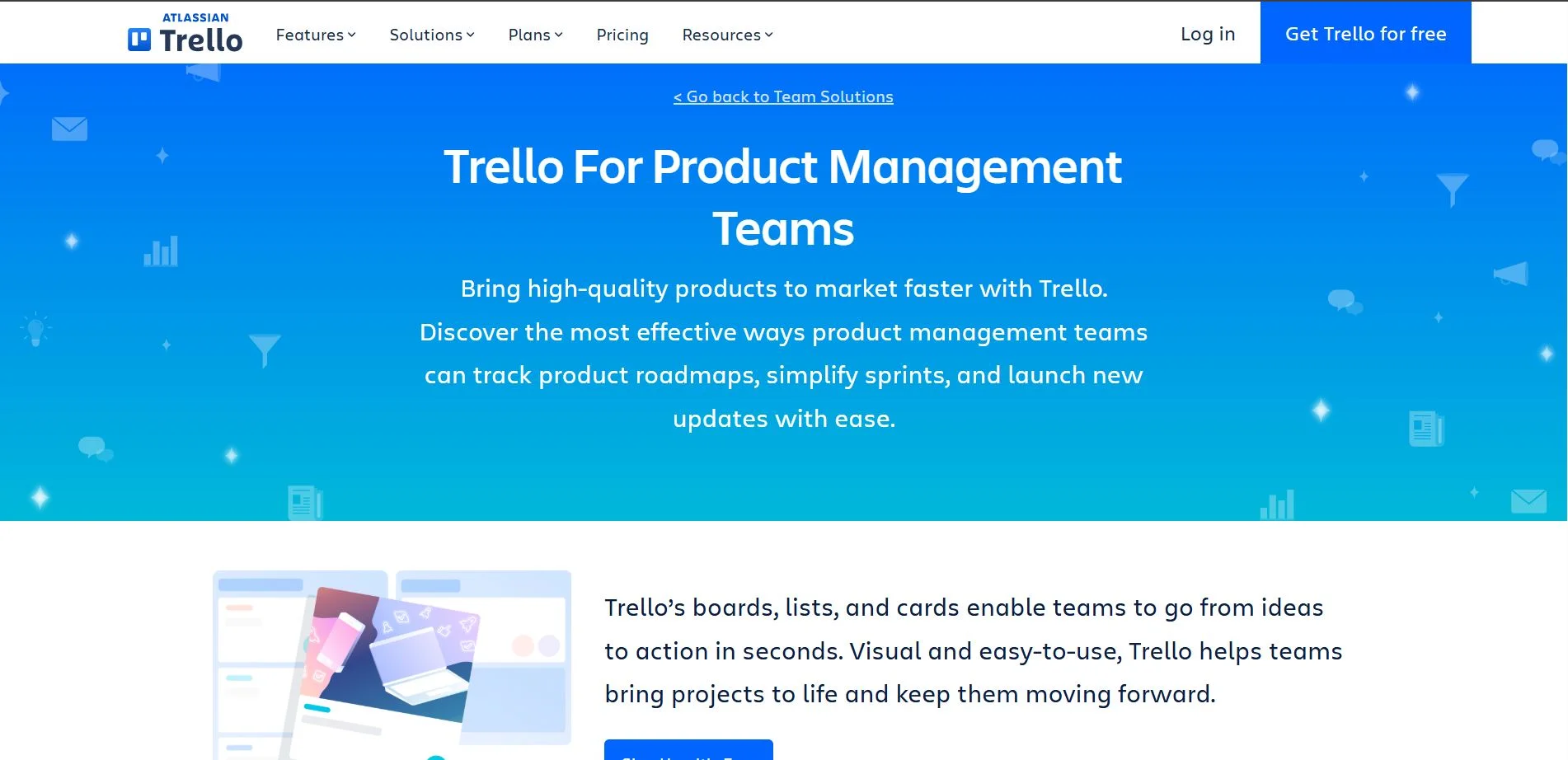
Trello is a web-based project management tool that uses a Kanban-style board to help teams visualize and manage tasks. Its simplicity and flexibility make it ideal for small teams or projects that need a clear overview of progress. Trello organizes work into boards, lists, and cards, making it easy to track project progress and move tasks through different stages.
Key features include:
- Kanban Boards: Visualize tasks in columns for easy workflow tracking.
- Cards & Lists: Each task is represented as a card that can include due dates, attachments, checklists, and comments.
- Drag-and-Drop Interface: Simple movement of tasks between lists to reflect progress.
- Collaboration Tools: Team members can comment on cards, tag others, and share attachments.
- Integrations (Power-Ups): Connects with tools like Slack, Google Drive, Jira, and more.
- Customizable Workflows: Flexible for different project types and team structures.
Trello is especially effective for small teams or projects that benefit from a visual, straightforward workflow, making it quick to adopt without extensive training.
Pros and Cons of Trello
| Pros | Cons |
|---|---|
| Extremely simple and easy to use | Can become cluttered with many cards |
| Visual Kanban-style workflow | Limited advanced project management features |
| Flexible and customizable | Less suitable for large, complex projects |
| Free plan is robust for small teams | Automation features require paid plans |
| Integrates with many third-party apps | Reporting and analytics are basic |
| Quick setup and adoption | Not ideal for detailed task dependencies |
3. Monday.com
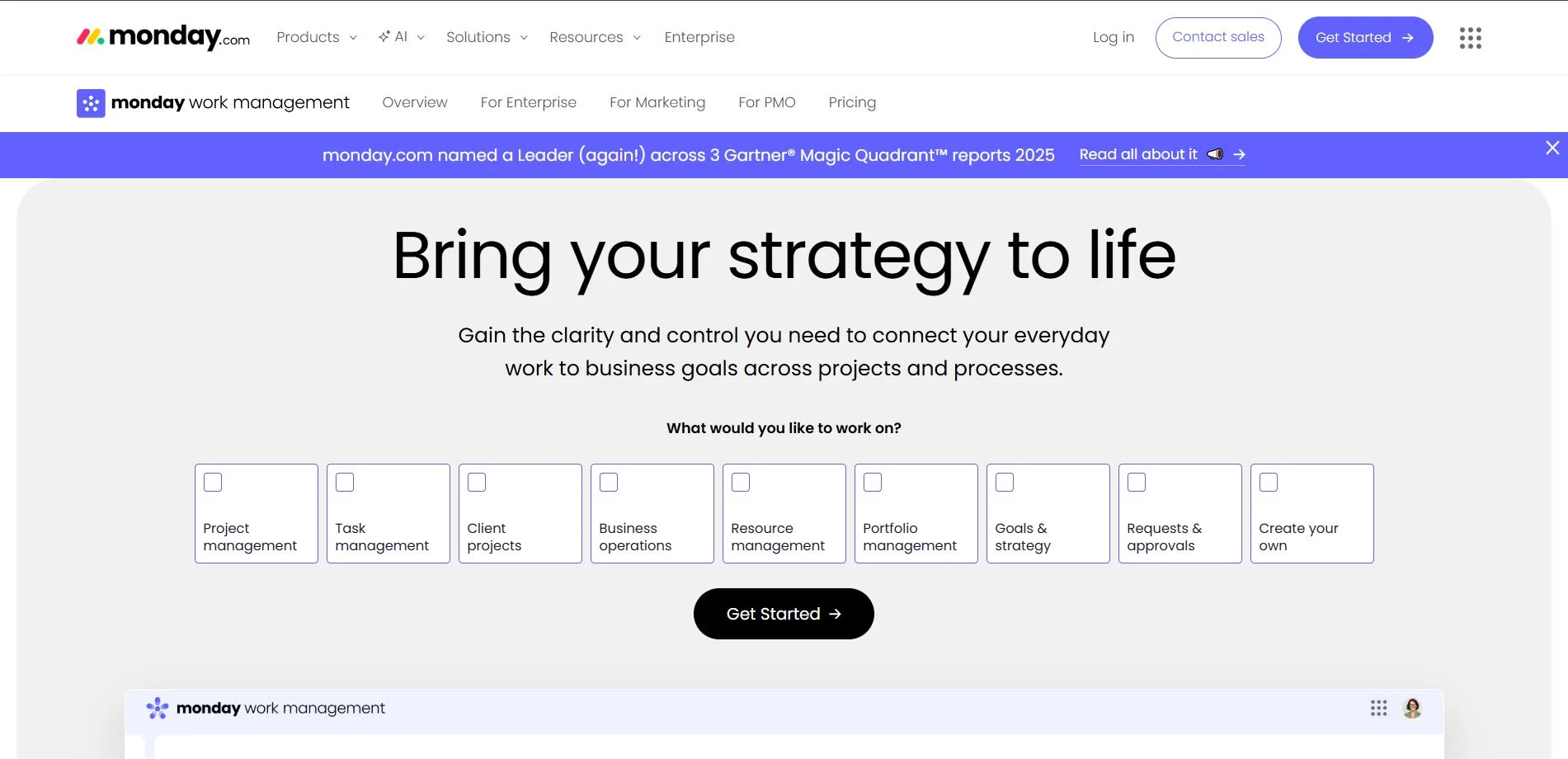
Monday.com is a cloud-based work operating system that offers a highly customizable platform for project tracking and team management. It combines project management, workflow automation, and visual reporting tools to keep teams aligned and organized. With its dashboards and automation features, Monday.com helps teams stay on track and manage projects efficiently.
Key features include:
- Customizable Dashboards: Visualize project progress, task status, and team workload in real time.
- Task & Project Management: Create tasks, assign owners, set deadlines, and track dependencies.
- Automation: Automate repetitive tasks, reminders, and status updates to reduce manual work.
- Collaboration Tools: Comment on tasks, share files, and communicate directly within the platform.
- Integrations: Connect with tools like Slack, Zoom, Google Drive, Jira, and more.
- Visual Tools: Use charts, timelines, Kanban boards, and Gantt views for better project insights.
Monday.com is particularly valued by teams that need a flexible platform to manage projects, processes, and workflows in one central place.
Pros and Cons of Monday.com
| Pros | Cons |
|---|---|
| Highly customizable for any workflow | Can be complex to set up for beginners |
| Multiple views: Kanban, Gantt, timeline, charts | Pricing is higher compared to simpler tools |
| Strong automation features | May be overwhelming for small teams with simple needs |
| Robust dashboards and reporting | Some advanced features require premium plans |
| Excellent integration with third-party apps | Can slow down with very large boards |
| Centralized collaboration and task tracking | Learning curve for non-technical users |
4. ClickUp
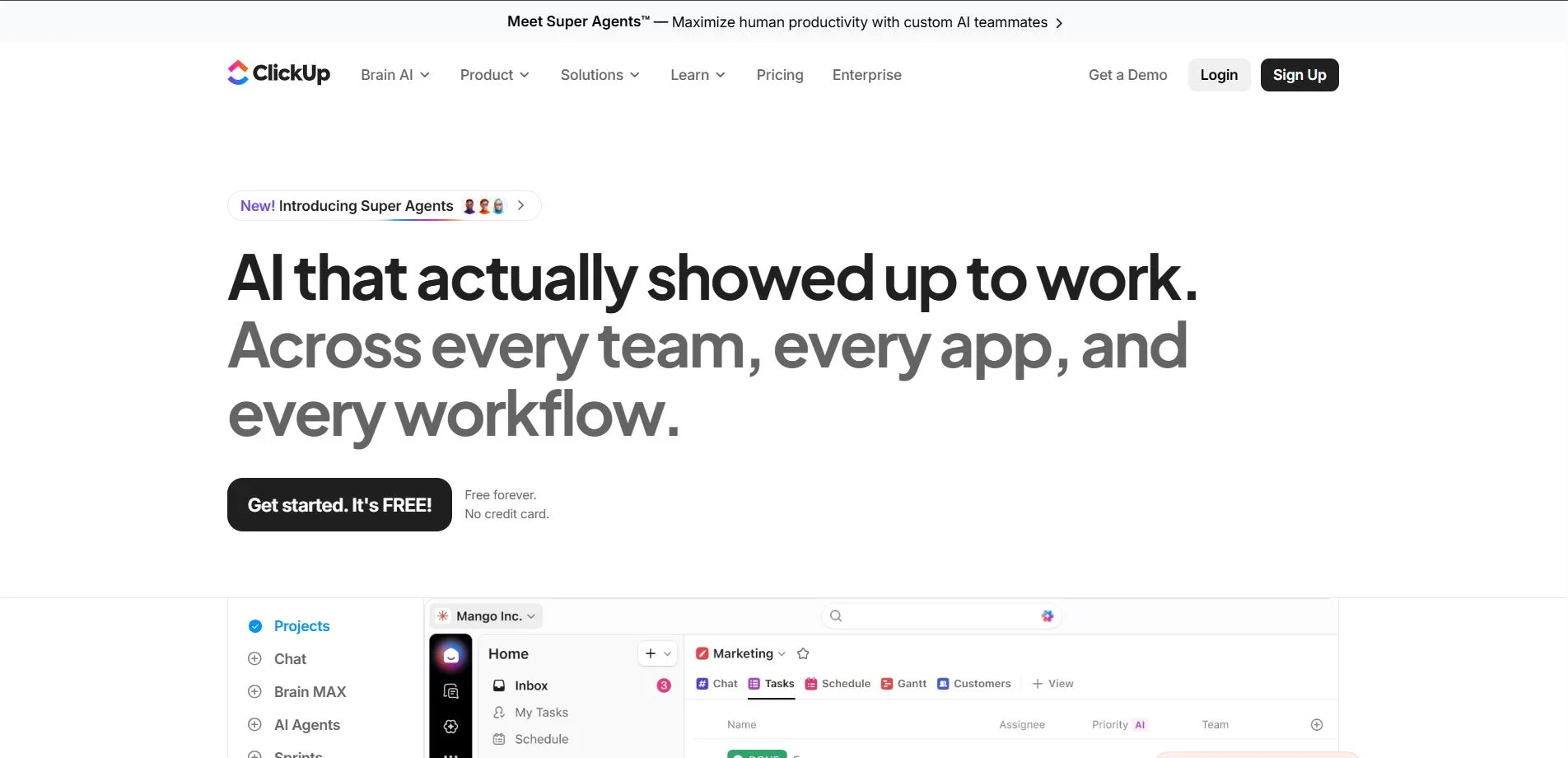
ClickUp is an all-in-one productivity platform designed to consolidate multiple work tools into a single system. It combines task management, document creation, goal tracking, and collaboration features, helping teams streamline workflows and reduce tool overload. Its comprehensive approach is ideal for teams looking to minimize the number of tools they use.
Key features include:
- Task Management: Create, assign, prioritize, and track tasks across projects.
- Multiple Views: List, board, Gantt, calendar, and timeline views for flexible project visualization.
- Docs & Knowledge Base: Build internal documents, wikis, and knowledge repositories within the platform.
- Goal & OKR Tracking: Set, track, and measure team and individual objectives.
- Automation: Automate routine workflows, notifications, and task updates.
- Integrations: Works with tools like Slack, Google Drive, Zoom, Jira, and more.
- Collaboration: Comment on tasks, share files, and communicate directly in-context.
ClickUp is ideal for teams that want a centralized hub for project management, documentation, and goal tracking without juggling multiple apps.
Pros and Cons of ClickUp
| Pros | Cons |
|---|---|
| All-in-one platform reduces need for multiple tools | Can be overwhelming due to feature richness |
| Highly customizable workflows and views | Some features require a learning curve |
| Combines tasks, docs, goals, and time tracking | Free plan has limitations for larger teams |
| Strong automation and integrations | Interface can feel cluttered for simple projects |
| Supports multiple project views and reporting | Mobile app is less intuitive than desktop |
| Centralized collaboration and communication | Too many options may lead to feature fatigue |
5. Jira
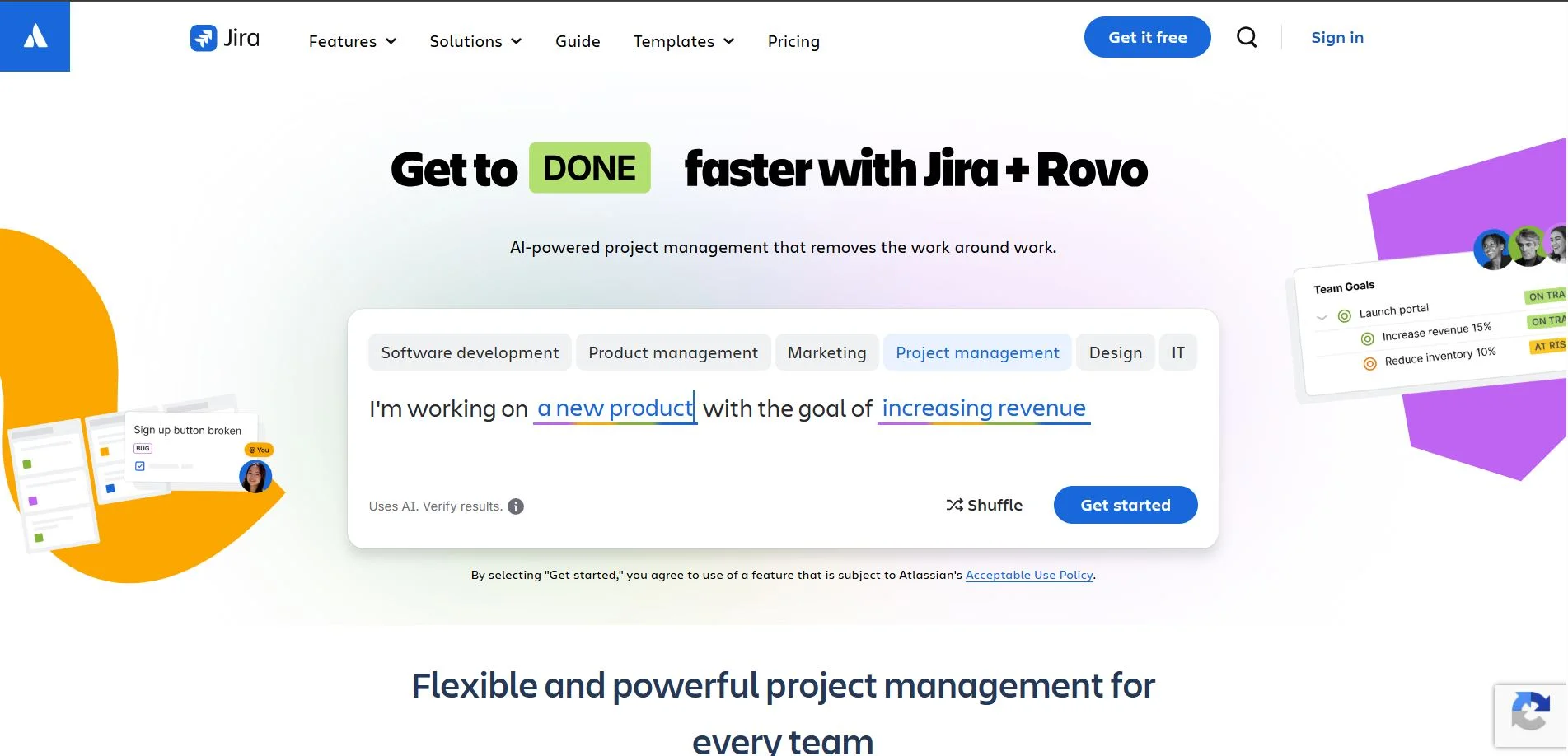
Jira is a project management tool widely favored by software development teams, especially for managing Agile workflows. It offers key features like sprint planning, backlog management, and detailed reporting, helping teams plan, track, and release software efficiently.
Key features include:
- Agile Project Management: Supports Scrum, Kanban, and mixed workflows.
- Sprint Planning & Backlog Management: Plan sprints, prioritize tasks, and manage product backlogs.
- Task Tracking: Create issues, assign them to team members, and monitor progress.
- Reporting & Analytics: Detailed dashboards, burn-down charts, and velocity reports for performance tracking.
- Custom Workflows: Tailor workflows to fit team and project needs.
- Integrations: Works with Confluence, Bitbucket, Slack, GitHub, and other developer tools.
- Automation: Automate repetitive tasks, notifications, and workflow rules.
Jira is ideal for technical teams that require detailed tracking, reporting, and agile project management capabilities.
Pros and Cons of Jira
| Pros | Cons |
|---|---|
| Powerful Agile and Scrum tools | Can be complex for non-technical users |
| Highly customizable workflows | Steeper learning curve than simpler PM tools |
| Detailed reporting and analytics | May feel overwhelming for small or non-software teams |
| Strong integration with developer tools | Interface can be cluttered for new users |
| Automation of tasks and notifications | Pricing can be high for larger teams |
| Excellent for large projects and tracking dependencies | Less intuitive for non-software project management |
6. Notion
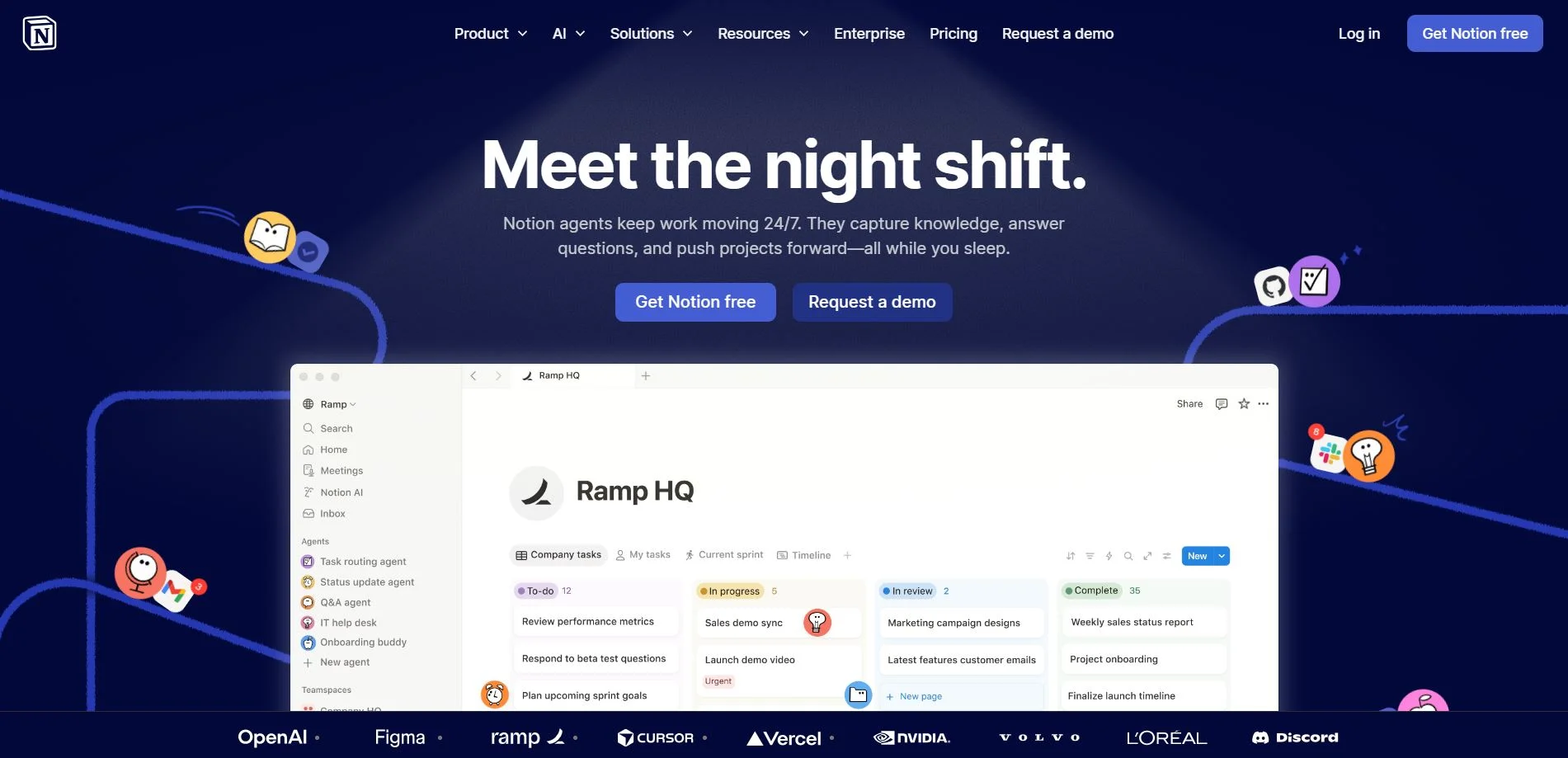
Notion is an all-in-one workspace that combines note-taking, task management, databases, and wikis. It allows teams and individuals to centralize knowledge, organize information, and manage projects in a highly flexible environment, making it more than just a task manager.
Key features include:
- Notes & Documentation: Create rich-text notes, wikis, and collaborative documents.
- Databases: Build tables, boards, calendars, and lists to organize tasks and data.
- Task Management: Assign tasks, set due dates, and track progress using multiple views.
- Collaboration: Comment, mention team members, and share pages for real-time collaboration.
- Templates: Pre-built templates for project management, knowledge bases, and workflows.
- Integration: Works with Slack, Google Drive, Figma, and other popular apps.
- Customizable Workflows: Flexible structure to adapt to any team or personal workflow.
Notion is ideal for teams that want a centralized knowledge hub while also handling project management, without switching between multiple apps.
Pros and Cons of Notion
| Pros | Cons |
|---|---|
| Extremely flexible and customizable | Can require setup time to organize effectively |
| Combines documentation, databases, and tasks | Limited automation compared to dedicated PM tools |
| Supports multiple views: list, board, calendar | Offline functionality is limited |
| Rich collaboration features | Can be overwhelming for new users |
| Wide range of templates for workflows | Lacks advanced reporting and analytics |
| Centralized knowledge management | Performance may slow with very large databases |
7. Wrike
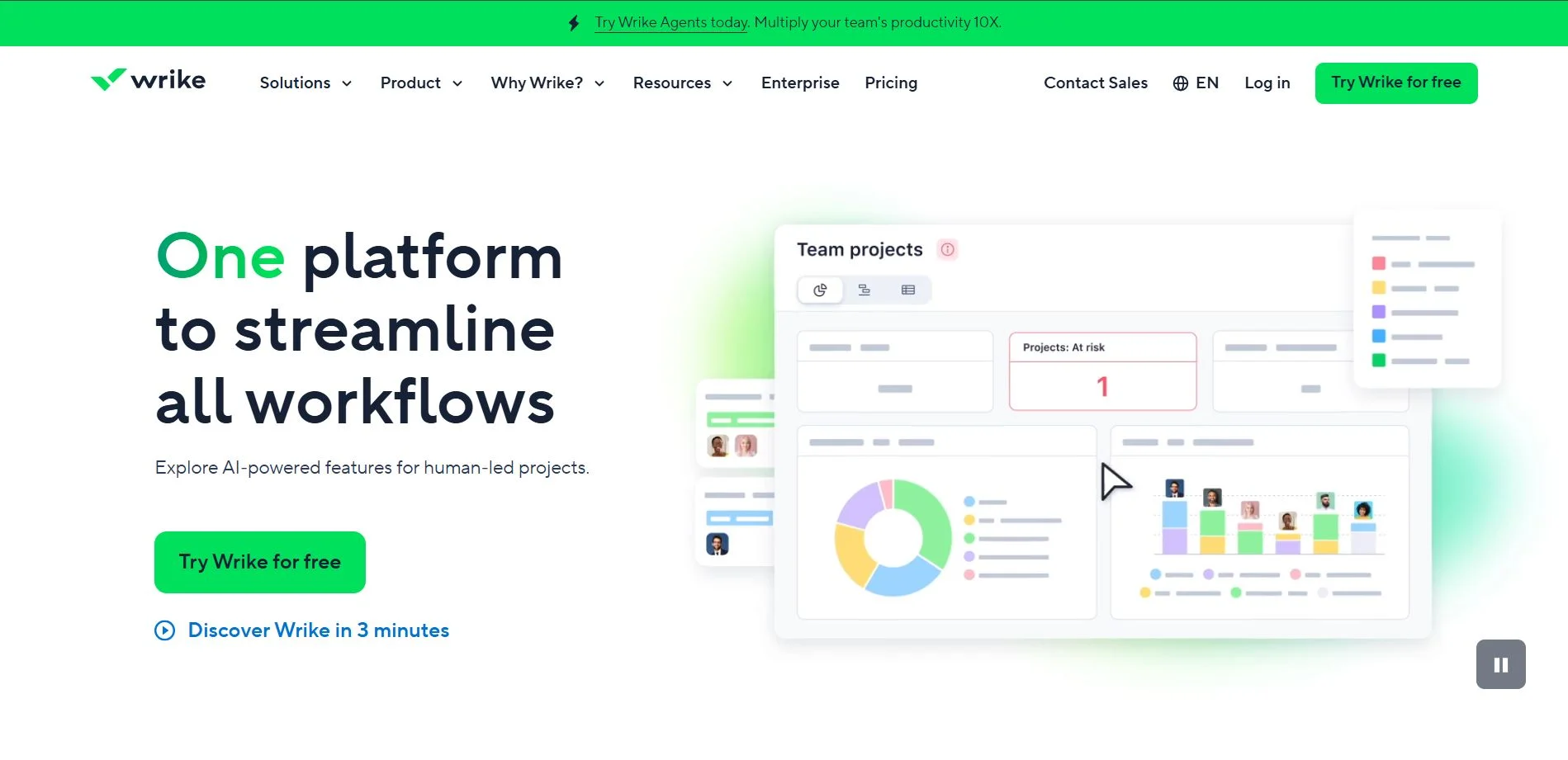
Wrike is a cloud-based work management and collaboration platform designed for marketing, project management, and professional services teams. It helps teams plan, track, and execute projects efficiently with advanced analytics, Gantt charts, and customizable workflows, providing robust tracking and reporting tools.
Key features include:
- Task & Project Management: Assign tasks, set priorities, and track progress across projects.
- Gantt Charts & Timelines: Visualize project schedules and dependencies for better planning.
- Workflow Customization: Build custom workflows to match team processes.
- Collaboration: Comment on tasks, share files, and communicate in real-time.
- Analytics & Reporting: Advanced dashboards, performance metrics, and real-time insights.
- Integrations: Connects with Slack, Google Drive, Microsoft Teams, Salesforce, and other tools.
- Automation: Automate repetitive tasks, approvals, and notifications.
Wrike is particularly suitable for marketing teams and complex projects where workflow customization, reporting, and tracking are essential.
Pros and Cons of Wrike
| Pros | Cons |
|---|---|
| Advanced reporting and analytics | Can be complex to set up for beginners |
| Customizable workflows and dashboards | Higher learning curve than simpler tools |
| Supports Gantt charts and timeline visualization | Pricing can be high for full-feature access |
| Strong collaboration and file-sharing tools | Interface can feel cluttered for small teams |
| Good for both marketing and project management teams | Automation may require premium plans |
| Multiple integrations with popular business tools | Overwhelming for simple projects |
8. Basecamp
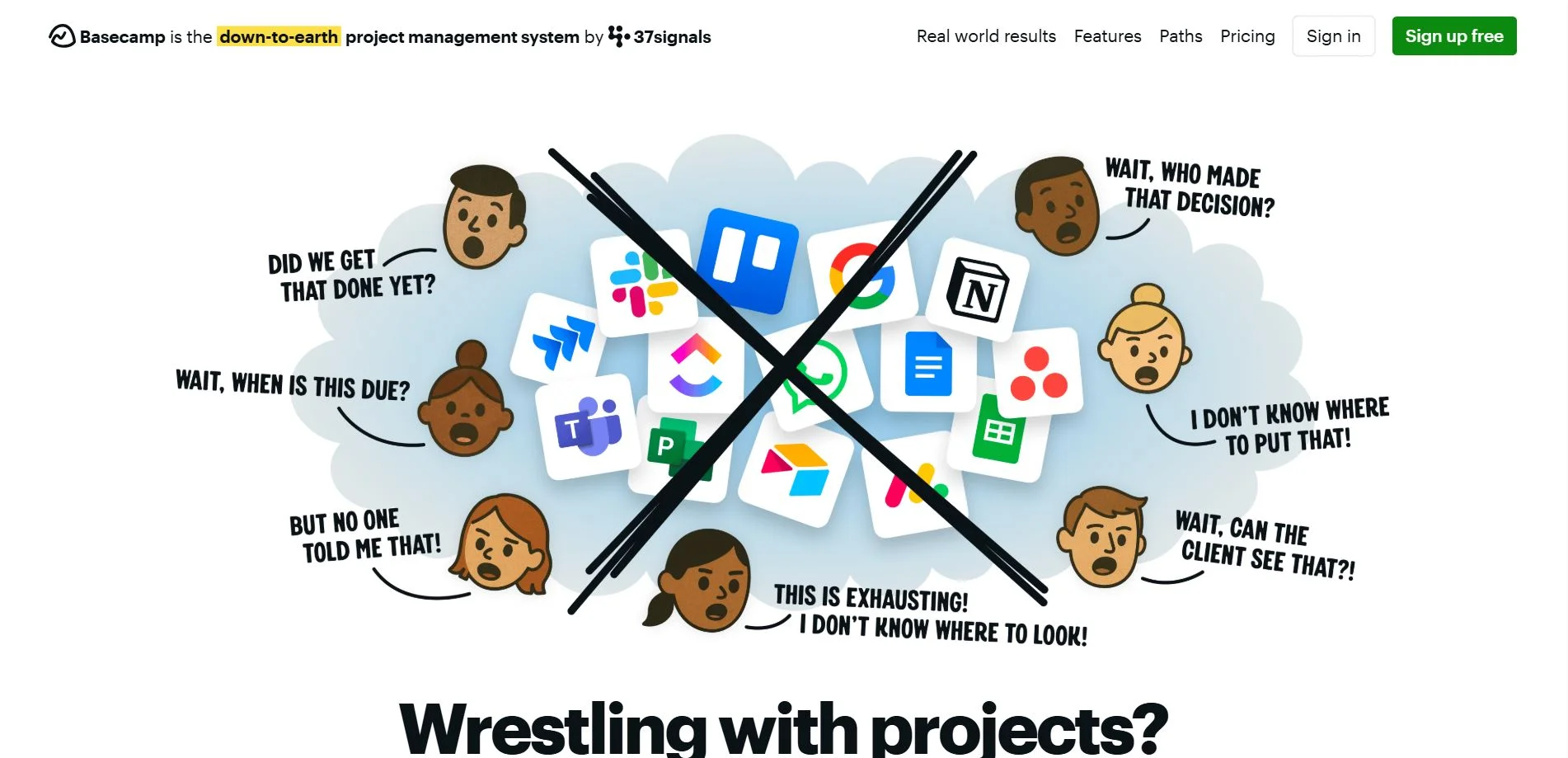
Basecamp is a web-based project management and team collaboration tool designed to simplify communication and task tracking. It centralizes projects, messages, files, and schedules in one platform, making it ideal for remote teams and small to medium-sized organizations. With its focus on collaboration, message boards, and file sharing, Basecamp helps streamline remote teamwork.
Key features include:
- Task Management: Create to-dos, assign tasks, set deadlines, and track progress.
- Message Boards: Centralized discussion boards for team communication and announcements.
- File Sharing: Store and share documents, images, and project files in one place.
- Schedules & Calendars: Keep track of deadlines, events, and milestones.
- Team Collaboration: Real-time chat (Campfire), check-ins, and notifications to stay aligned.
- Client Access: Share selected projects and updates with clients if needed.
- Simplicity & Ease of Use: Minimal learning curve and straightforward interface.
Basecamp is particularly suitable for teams looking for a simple, all-in-one collaboration tool without overwhelming features or complex configurations.
Pros and Cons of Basecamp
| Pros | Cons |
|---|---|
| Simple and easy to use | Lacks advanced project management features |
| Centralized communication and file sharing | Limited reporting and analytics |
| Great for remote teams | No task dependencies or complex workflow management |
| All-in-one platform for small teams | Less suitable for large or complex projects |
| Encourages team collaboration | Fewer integrations than some competitors |
| Client-friendly project sharing | Limited customization options |
9. Teamwork
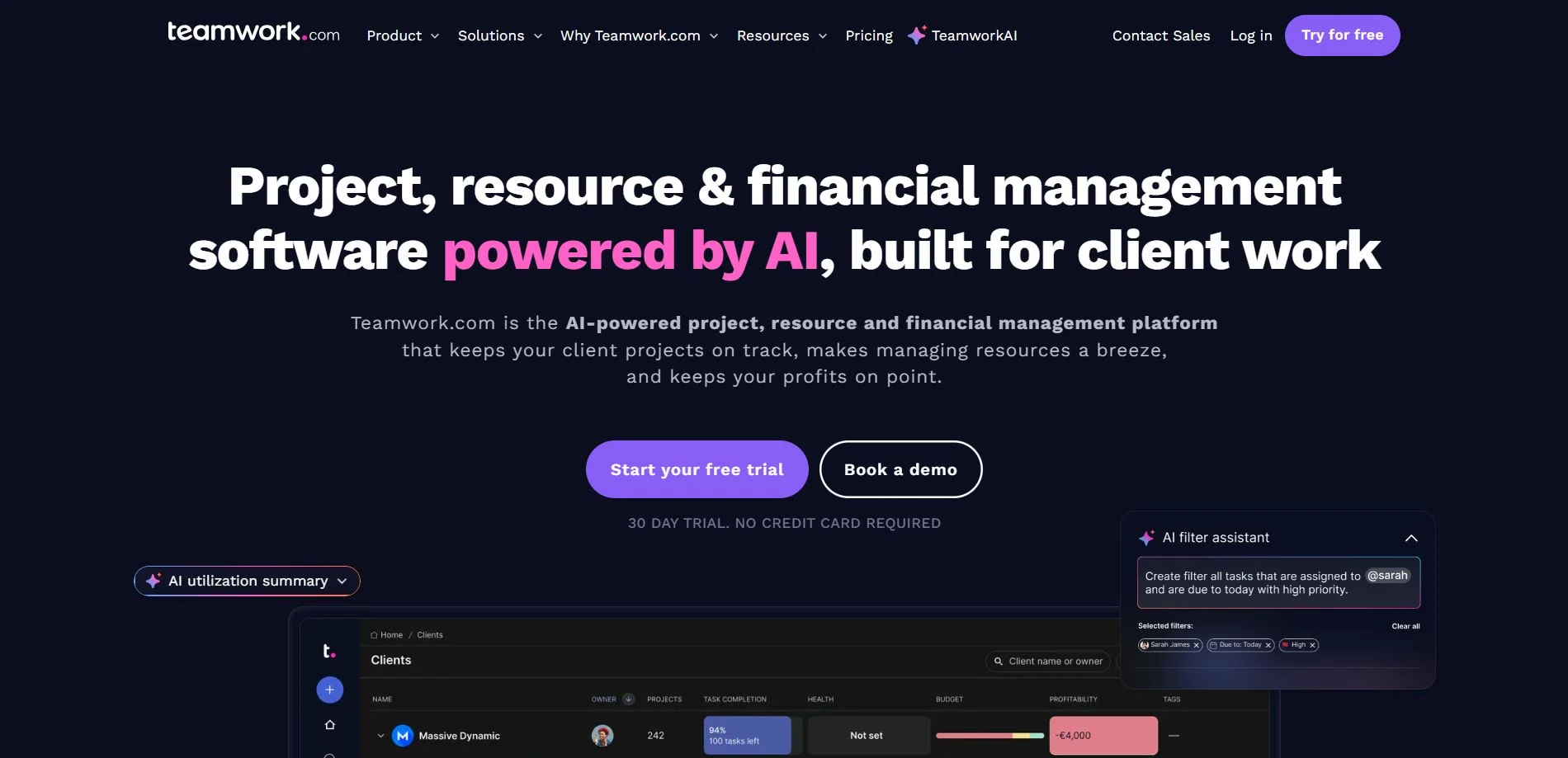
Teamwork is a cloud-based project management and collaboration platform designed to help teams plan, track, and deliver work efficiently, particularly for client-facing teams and agencies. It combines task management, time tracking, and communication tools to keep teams and clients aligned.
Key features include:
- Task & Project Management: Create, assign, and prioritize tasks across projects.
- Time Tracking: Track hours spent on tasks and projects for billing or performance analysis.
- Client Collaboration: Share project updates, tasks, and files with clients securely.
- Gantt Charts & Milestones: Visualize project timelines and dependencies.
- Collaboration Tools: Comment on tasks, share files, and communicate within the platform.
- Reporting & Analytics: Generate reports on project progress, workload, and team performance.
- Integrations: Works with Slack, Google Drive, Zapier, HubSpot, and other apps.
Teamwork is ideal for agencies, professional services, and client-focused teams that need a combination of project tracking, time management, and client communication in one platform.
Pros and Cons of Teamwork
| Pros | Cons |
|---|---|
| Comprehensive project management and time tracking | Interface can feel cluttered for new users |
| Client collaboration features | Advanced features may require higher-tier plans |
| Gantt charts and milestone tracking | Slight learning curve for full functionality |
| Detailed reporting and analytics | Mobile app less robust than desktop |
| Integrates with multiple third-party tools | Can be expensive for larger teams |
| Good for agencies and client-facing teams | Some users may find too many options overwhelming |
10. Smartsheet
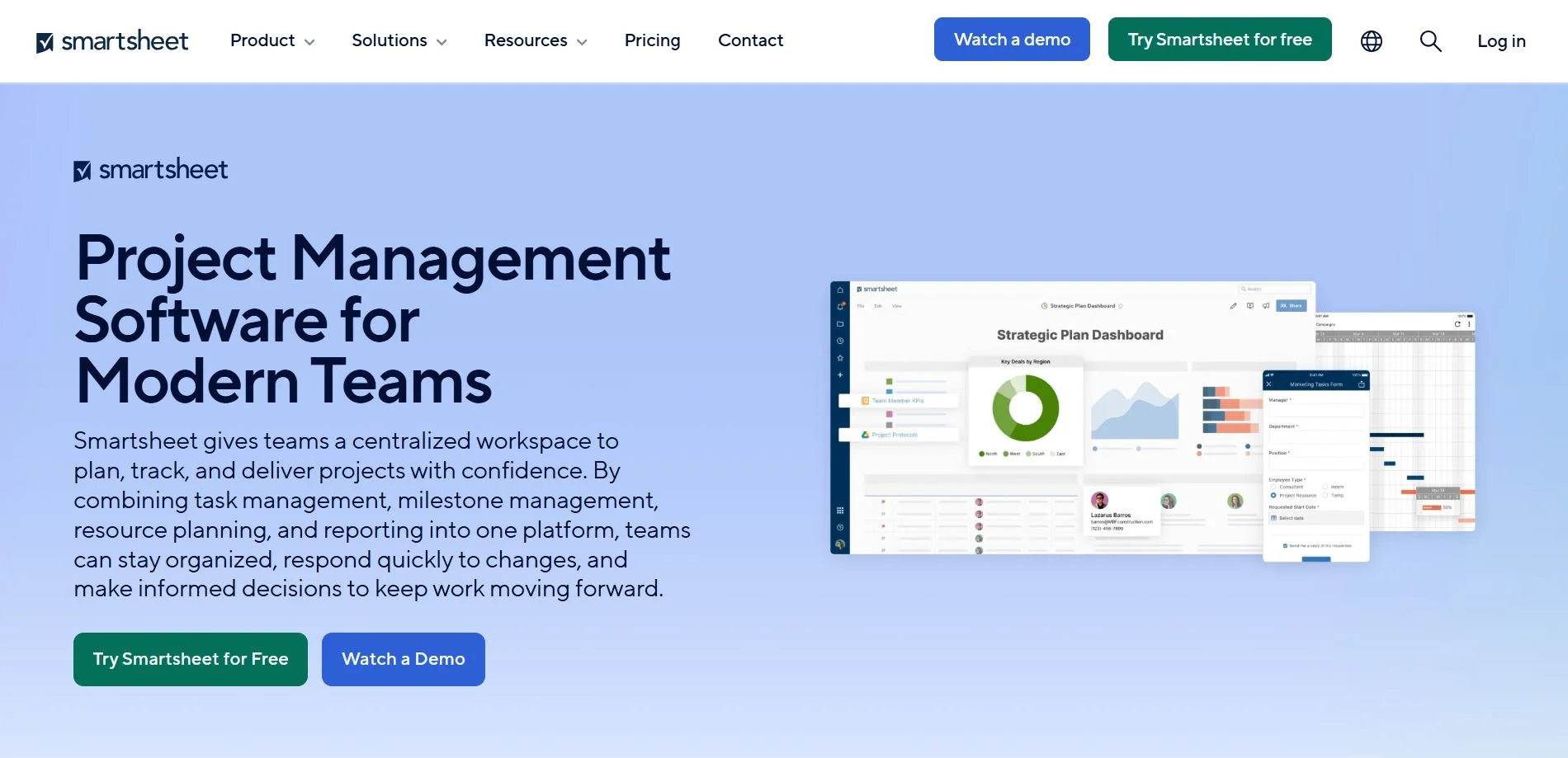
Smartsheet is a cloud-based work execution and project management platform that combines the familiarity of spreadsheets with advanced collaboration, automation, and project tracking tools. It helps teams plan, track, automate, and report on work efficiently, offering a familiar interface with powerful project management features.
Key features include:
- Spreadsheet-Like Interface: Familiar grid layout for planning and tracking tasks.
- Project Management: Assign tasks, set dependencies, and monitor project timelines.
- Gantt Charts & Dashboards: Visualize schedules, dependencies, and team progress.
- Automation: Automate workflows, reminders, approvals, and recurring tasks.
- Collaboration: Comment on tasks, share files, and collaborate in real time.
- Reporting & Analytics: Generate customizable reports and real-time dashboards.
- Integrations: Works with Slack, Microsoft Teams, Google Workspace, Jira, and more.
Smartsheet is ideal for teams that prefer spreadsheet-style management but need enhanced collaboration, reporting, and automation capabilities beyond traditional spreadsheets.
Pros and Cons of Smartsheet
| Pros | Cons |
|---|---|
| Familiar spreadsheet interface | Can be overwhelming for users not used to spreadsheets |
| Strong project tracking and automation | Higher learning curve for advanced features |
| Supports Gantt charts, dashboards, and reports | Pricing is higher than simpler PM tools |
| Real-time collaboration and file sharing | Interface can feel complex for small teams |
| Flexible workflow and task management | Some advanced features require premium plans |
| Wide range of integrations | Not as visually intuitive as Kanban-based tools |
Comparison of Top Project Management Tools
The following table provides an at-a-glance comparison of 10 popular project management tools. It summarizes their key features, advantages, limitations, and ideal use cases, helping teams choose the right platform based on their workflow needs, team size, and project complexity.
Find the right project management tool for your team at a glance
| Tool | Key Features | Pros | Cons | Ideal Use Cases |
|---|
| Asana | Task management, timelines, multiple project views, collaboration, automation, integrations | User-friendly, versatile views, strong collaboration, good reporting | Free plan limited, complex for very large projects, notifications overload | Remote teams, general project tracking, cross-functional teams |
| Trello | Kanban boards, lists & cards, drag-and-drop, Power-Ups (integrations) | Simple, visual workflow, flexible, easy adoption, free plan robust | Limited advanced PM features, less suited for large projects, automation limited in free plan | Small teams, simple projects, visual workflow management |
| Monday.com | Custom dashboards, task management, timelines, automation, multiple views | Highly customizable, strong automation, robust dashboards, integrations | Higher learning curve, pricier, may overwhelm small teams | Teams needing flexible workflows, visual project tracking, process management |
| ClickUp | Task management, multiple views, docs & wikis, goal tracking, automation, integrations | All-in-one platform, highly customizable, combines tasks/docs/goals, strong automation | Overwhelming for new users, cluttered interface, some mobile limitations | Teams wanting one platform for tasks, docs, and goal tracking |
| Jira | Agile project management, Scrum & Kanban, sprint planning, backlog management, reporting | Powerful Agile tools, customizable workflows, detailed reporting, developer tool integrations | Steep learning curve, complex for non-technical teams, interface can be cluttered | Software development teams, Agile/Scrum projects, technical tracking |
| Notion | Notes & documentation, databases, task management, templates, collaboration | Extremely flexible, combines knowledge base & tasks, rich collaboration | Setup can take time, limited automation, slower offline, basic reporting | Knowledge management, team wikis, flexible task tracking |
| Wrike | Task & project management, Gantt charts, workflow customization, reporting, automation | Advanced reporting, customizable workflows, strong Gantt/timeline tools | Complex setup, higher learning curve, pricier for full features | Marketing teams, complex project tracking, process-heavy workflows |
| Basecamp | To-dos, message boards, file sharing, schedules, team chat | Simple, easy to use, centralized collaboration, client-friendly | Limited PM features, basic reporting, no task dependencies | Small to medium teams, remote teams, client communication focus |
| Teamwork | Task management, time tracking, client collaboration, Gantt charts, reporting | Comprehensive PM + time tracking, client collaboration, good for agencies | Cluttered interface, learning curve, pricier for larger teams | Agencies, client-facing teams, projects needing time tracking |
| Smartsheet | Spreadsheet-style interface, task management, Gantt charts, automation, dashboards | Familiar spreadsheet interface, strong tracking & automation, flexible reporting | Complex interface, steep learning curve for advanced features, pricier | Teams comfortable with spreadsheets, detailed project tracking, workflow automation |
Tips for Implementing Project Management Tools Successfully
- Start Small – Introduce the tool gradually to avoid overwhelming your team.
- Train Your Team – Provide tutorials or workshops to ensure everyone understands the features.
- Integrate Other Tools – Connect your project management software with existing tools like email, Slack, or Google Drive.
- Set Clear Guidelines – Define processes for task creation, updates, and deadlines.
- Monitor and Adapt – Regularly review team usage and adjust workflows to maximize productivity.
Conclusion
The right project management tool can transform the way your remote team collaborates, helping to meet deadlines, improve communication, and boost overall productivity. Whether you prefer a simple Kanban-style board like Trello or a full-featured platform like Asana or ClickUp, the options in 2026 make it easier than ever to manage projects effectively. Try out a few, see what fits your workflow, and watch your team thrive in the remote work era.